
 Join our Discord
README
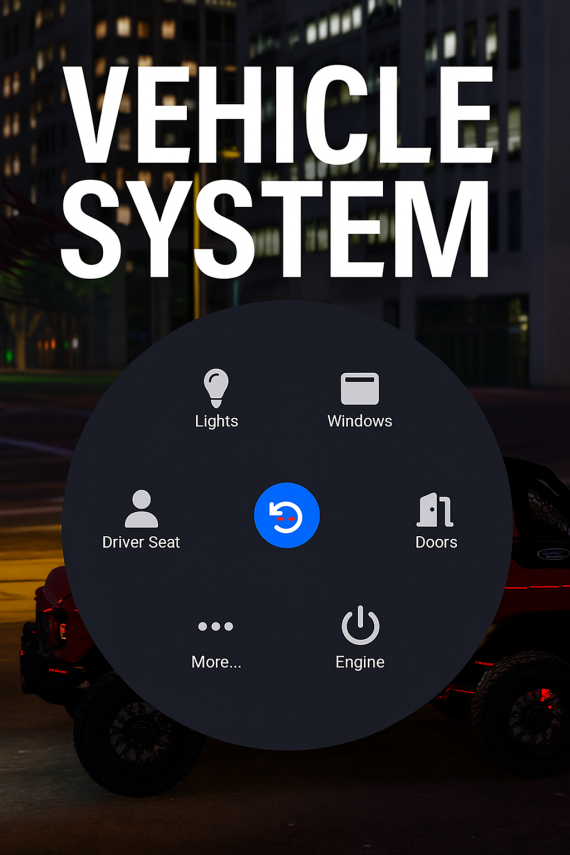
A modular vehicle radial menu for FiveM using `ox_lib`. Features separate submenus for:
- Doors (open/close individual doors, trunk, close all)
- Windows (front/back, left/right up & down)
- Lights (headlights toggle, high beams, interior light)
- Engine toggle (driver-only)
- Seat switching (warp to driver/passenger/back seats)
This project uses `es_extended` and `ox_lib` are available on your server.
Usage
- Enter any vehicle and open your radial menu (configured by ox_lib keybinds).
- Options will appear dynamically based on if you're inside a vehicle and whether you are the driver.
- Submenus (Doors, Windows, Lights) will remain open after selection for rapid interaction.
Troubleshooting
- If lights don't behave as expected on some vehicles, ensure the natives
SetVehicleLightsandSetVehicleFullbeamare supported by the vehicle model. - Verify
ox_libis up-to-date. Some older versions handle radial menus differently. - If
es_extendednotifications don't show, replaceESX.ShowNotificationwith your preferred notification export.
Contributing
If you'd like to add features (neon control, lock/unlock, extras toggles), fork the resource and open a PR or contact Build Right Studios.Credits
Built by Build Right Studios — reach out for custom scripts, UI assets, or optimization. - If lights don't behave as expected on some vehicles, ensure the natives
```cfg
ensure ox_lib
ensure es_extended
ensure BRS-CarMenu